THE USEFUL PART
- Choose the audience, central message and next step.
- List people, locations, formats and permissions.
- Assign one approval owner and make constraints explicit.
A useful video brief answers seven questions: who is watching, what they need to understand, what you want them to do, what needs to be filmed, which finished versions you need, who approves the work and what constraints the production must respect.
You do not need to arrive with a script or a shot list. You do need a clear starting point. A film intended to introduce your business on its homepage has a different job from an interview used in a sales conversation or a short edit promoting an upcoming event.
1. Name the viewer and the next step
“Everyone” is not a useful audience definition. Choose the person whose understanding matters most: a prospective customer, a hiring candidate, an existing client or an event attendee.
Then describe the next step in ordinary language. Do you want that viewer to understand your service, see how a product works, get to know your team or start a conversation?
Write one sentence:
This film is for [specific audience]. After watching, they should understand [one thing] and be able to [next step].
That sentence gives the team a way to judge ideas. A beautiful shot can still be the wrong shot if it does not support the film's purpose.
2. Decide the central message
A short film cannot carry every point in a brochure. Choose the main idea and the evidence that makes it believable.
For an interview, that evidence might be a clear explanation and a concrete example. For a product demonstration, it might be the product being used. For an event story, it might be the people, atmosphere and moments that made the day distinctive.
Keep a separate list of supporting points. If the brief contains several unrelated messages, discuss whether they need separate edits rather than one overloaded film.
3. List the finished versions before filming
Where will the video appear? A website, presentation, sales email and social feed can call for different framing, lengths and supporting assets.
List the versions you need, including horizontal or vertical framing, captions, language versions, thumbnails and any shorter edits. These are scoping questions, not automatic inclusions. Confirm them with the studio rather than assuming every derivative is covered.
If the film needs to work without sound, plan how the message will remain understandable. If someone must demonstrate a process, make sure the production plan includes the relevant steps rather than relying on an interview to describe everything.

4. Identify the people, place and access
Name the people who may appear and who can confirm their availability. Identify the actual filming location, the available time window and anything that could affect access or recording.
For a shoot in Orange County or San Diego, specify the real address or venue during scoping rather than only naming the county. Ask the production team to review practical questions such as access, parking, background noise and where equipment can be set up. Confirm any location permissions or other requirements with the responsible parties before the shoot.
Do not assume an attractive room is suitable for an interview. A busy entrance, interruptions or a loud mechanical system can change the plan. Share current location photographs if they help the team assess the space.
5. Gather the material that supports the story
Prepare the approved logo, relevant product information and any existing images or video you want considered. Explain what each item is and whether you have permission to use it for the intended project.
Separate evidence from wishes. “We want to look established” is a creative goal. A specific customer quote, product demonstration or factual statement is material that needs to be checked before use.
Avoid placing confidential customer information, private records or unapproved claims in a general project inquiry. Explain the need first and agree a suitable review process with the studio.
6. Choose one person to consolidate feedback
Decide who can approve the brief and who will collect feedback on the edit. Other people may need to contribute, but the production team should not have to resolve contradictory instructions from separate reviewers.
Agree the review stages, revision scope and final approval process before work begins. If legal, brand or other specialist review is necessary, build that into the schedule rather than introducing it after the final edit.
A simple ownership statement helps: [Name or role] collects feedback and confirms the approved direction.
7. Make the constraints explicit
Share the intended launch date, known availability limits and budget parameters. Ask what can realistically be achieved within them. Do not treat a preferred deadline as a confirmed production schedule until the scope and availability have been agreed.
Be equally clear about what the film does not need. Removing an unnecessary location, version or message can make the brief more focused without sacrificing its purpose.
Copy this production brief
- Audience and purpose: Who is watching, and what should they understand or do?
- Central message: What is the one idea the film must communicate?
- Proof and material: What can be shown, explained or demonstrated accurately?
- Finished versions: Where will the film appear, and which formats are needed?
- People and location: Who will appear, where will filming happen and what access is available?
- Approval owner: Who consolidates feedback and approves the work?
- Constraints: What timing, budget, permissions or confidentiality requirements need discussion?
Ready to discuss the shoot?
You are ready for an initial conversation when those seven fields are clear enough to discuss. They do not need to be perfect. Unresolved questions are useful when they are visible rather than hidden inside assumptions.
Explore the studio's production formats, see the selected work, or share your project brief. Scope, budget and timing are agreed directly with Stoking Fire Productions. An inquiry starts a conversation; it does not reserve a shoot or confirm a booking.
A CLEARER FIRST CONVERSATION
Bring your idea.
We’ll talk production.
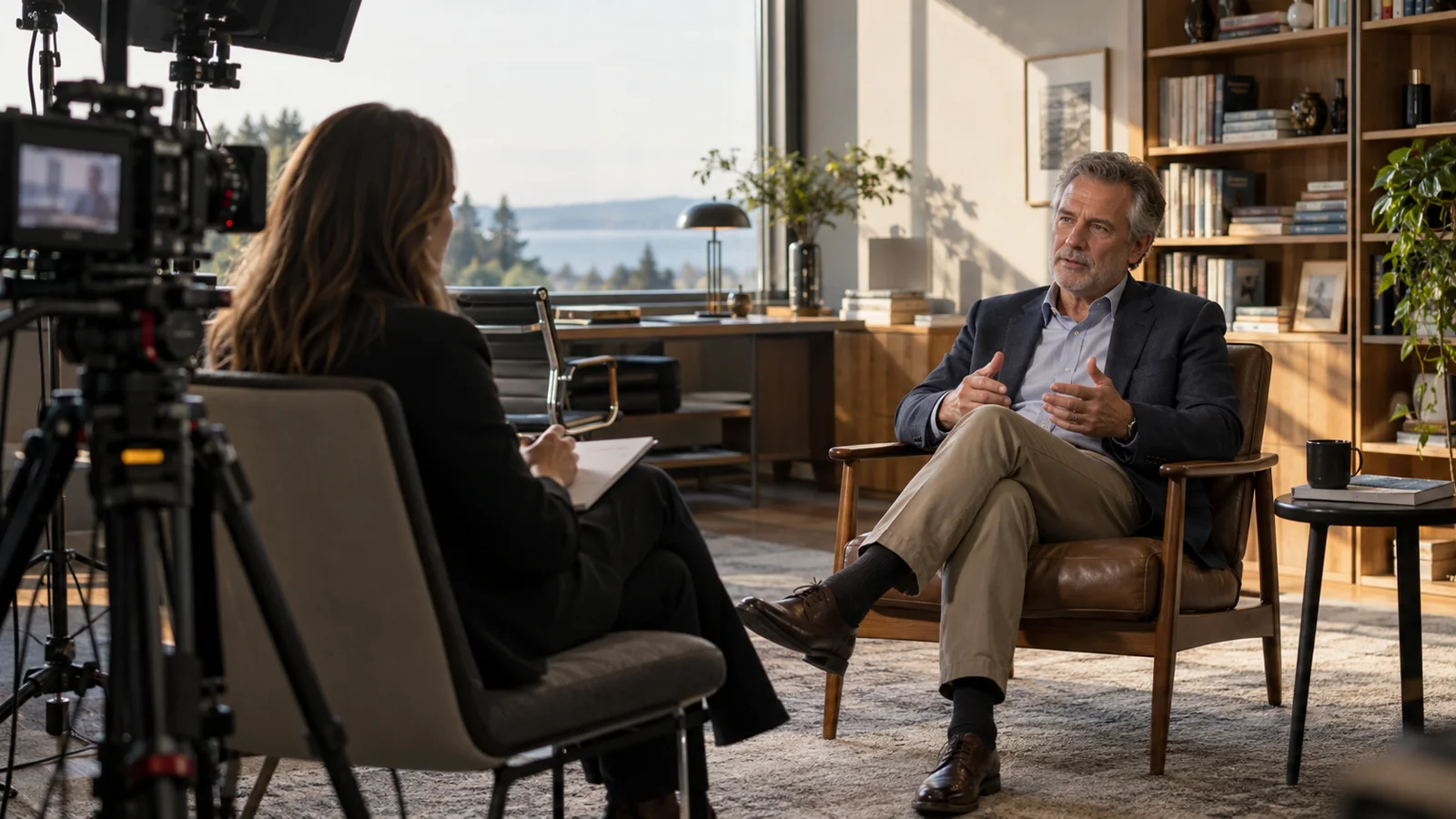
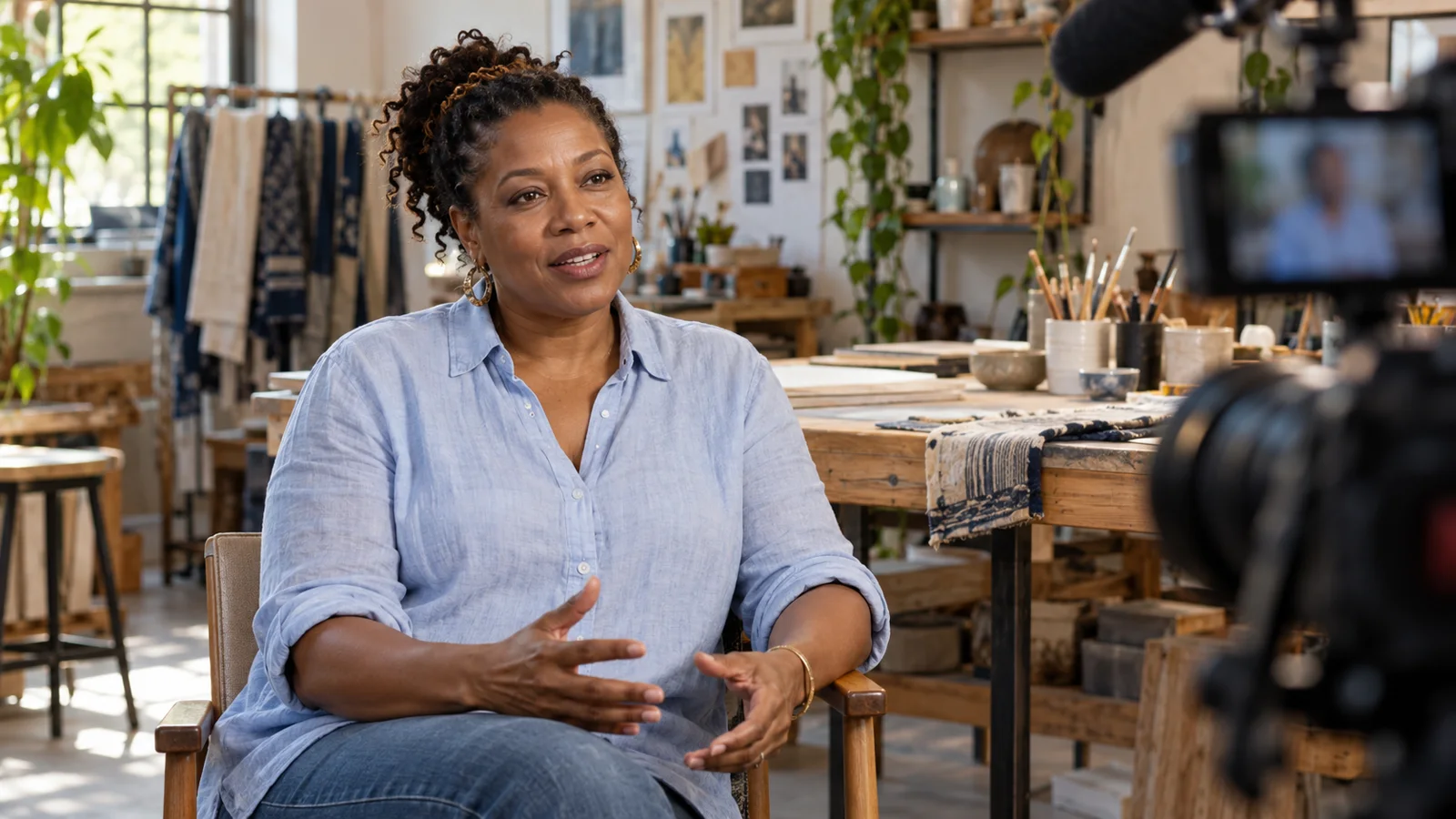
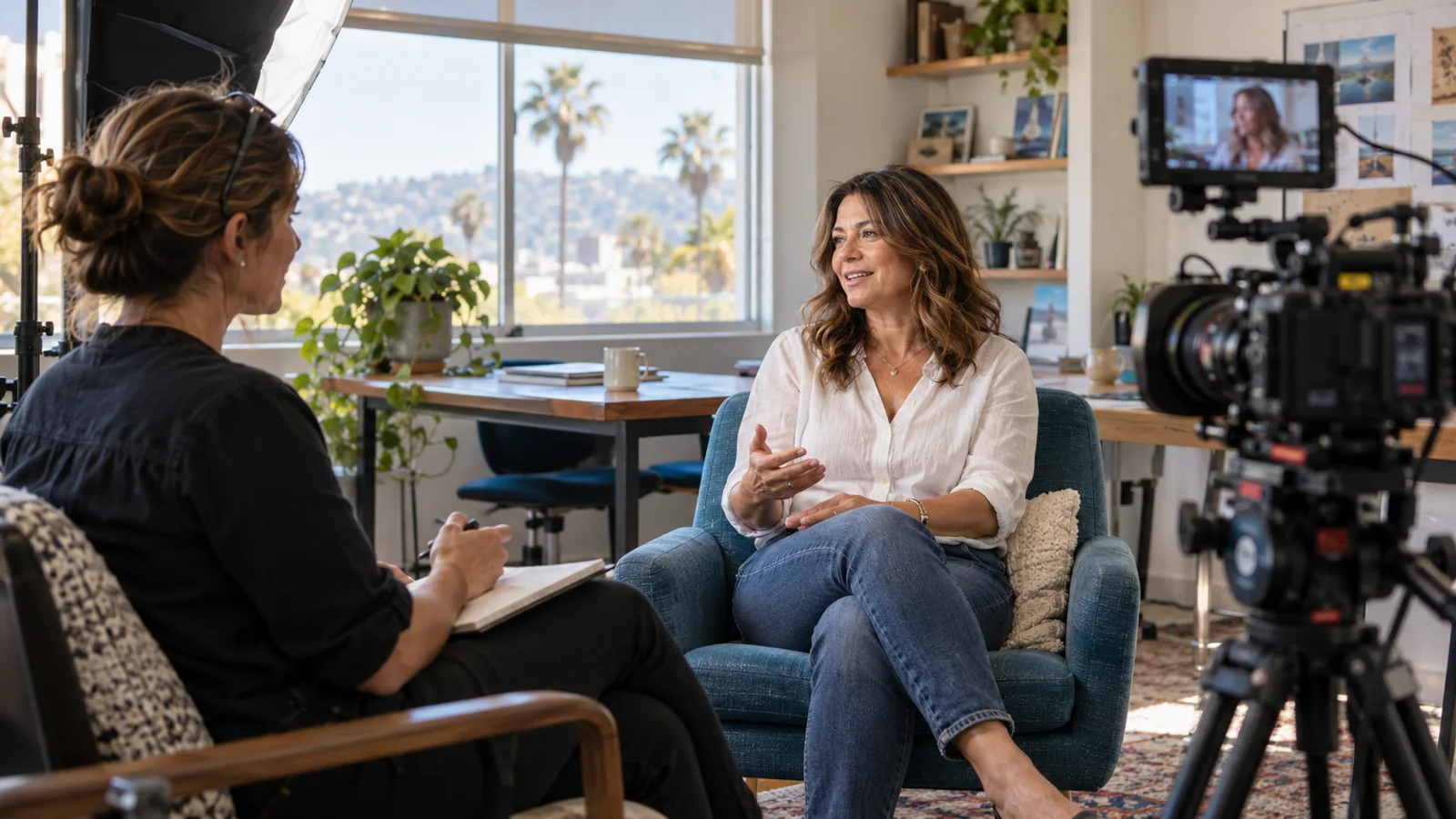
Discuss your video projectAI-assisted editorial prepared by EVKII for Stoking Fire Productions. Images are generated editorial illustrations of fictional people and settings; they are not client testimonials, project evidence or photographs of the SFP team. Examples described as hypothetical are planning examples. Scope, permissions and specialist review are agreed for each production.