THE USEFUL PART
- Map each answer to a real audience and use.
- Capture complete explanations and relevant supporting footage.
- Agree a version list and keep approved files current.
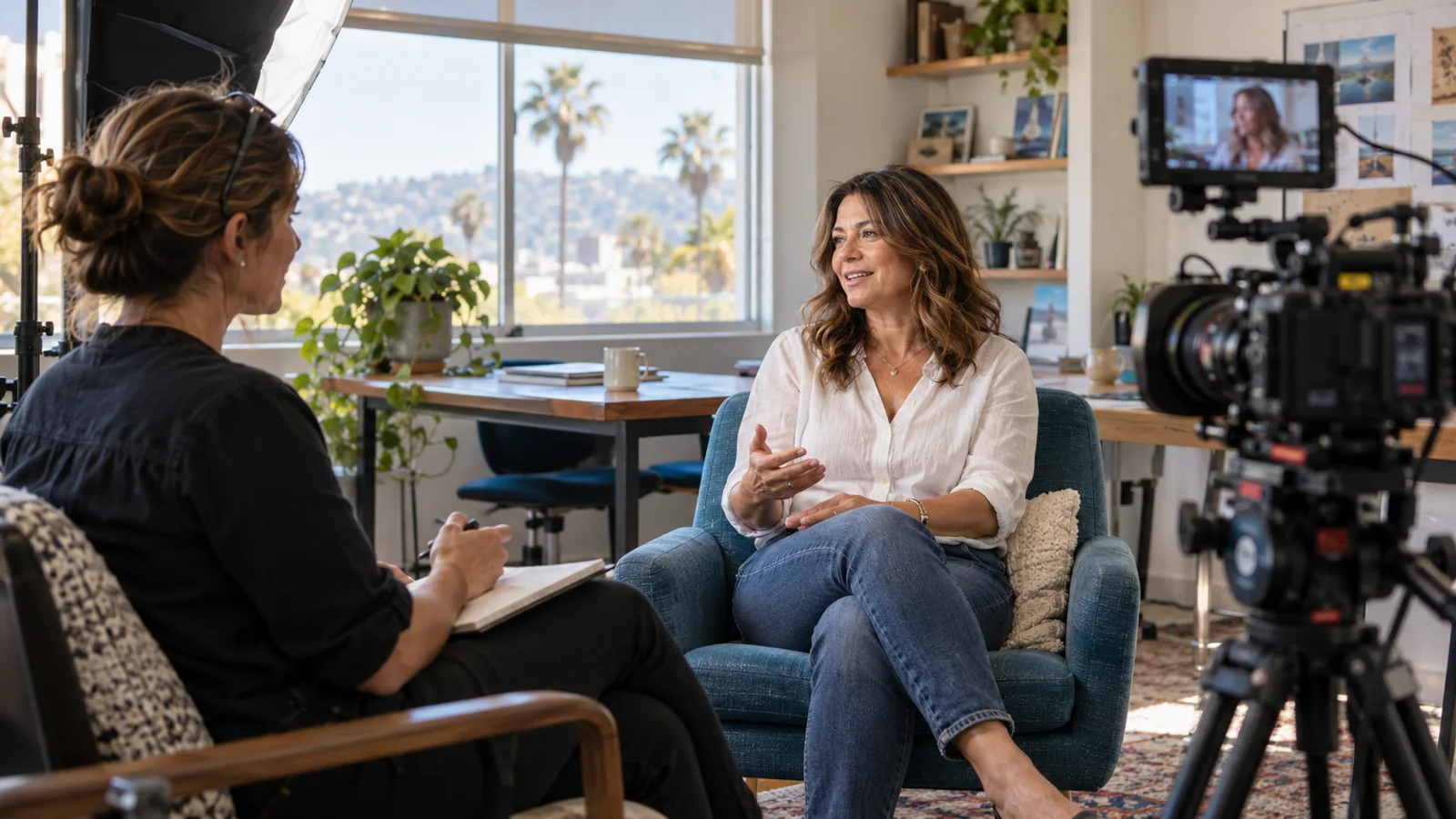
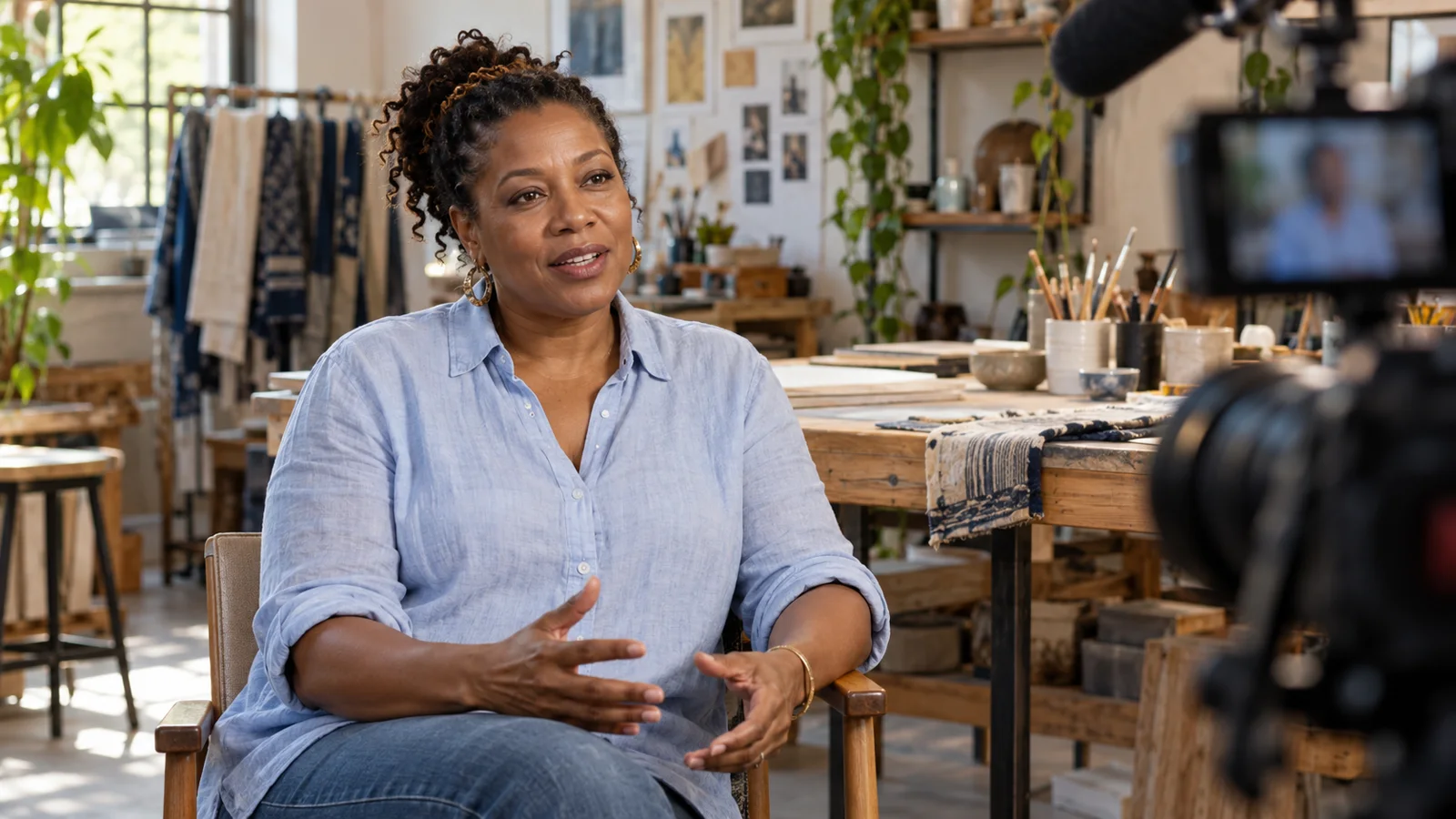
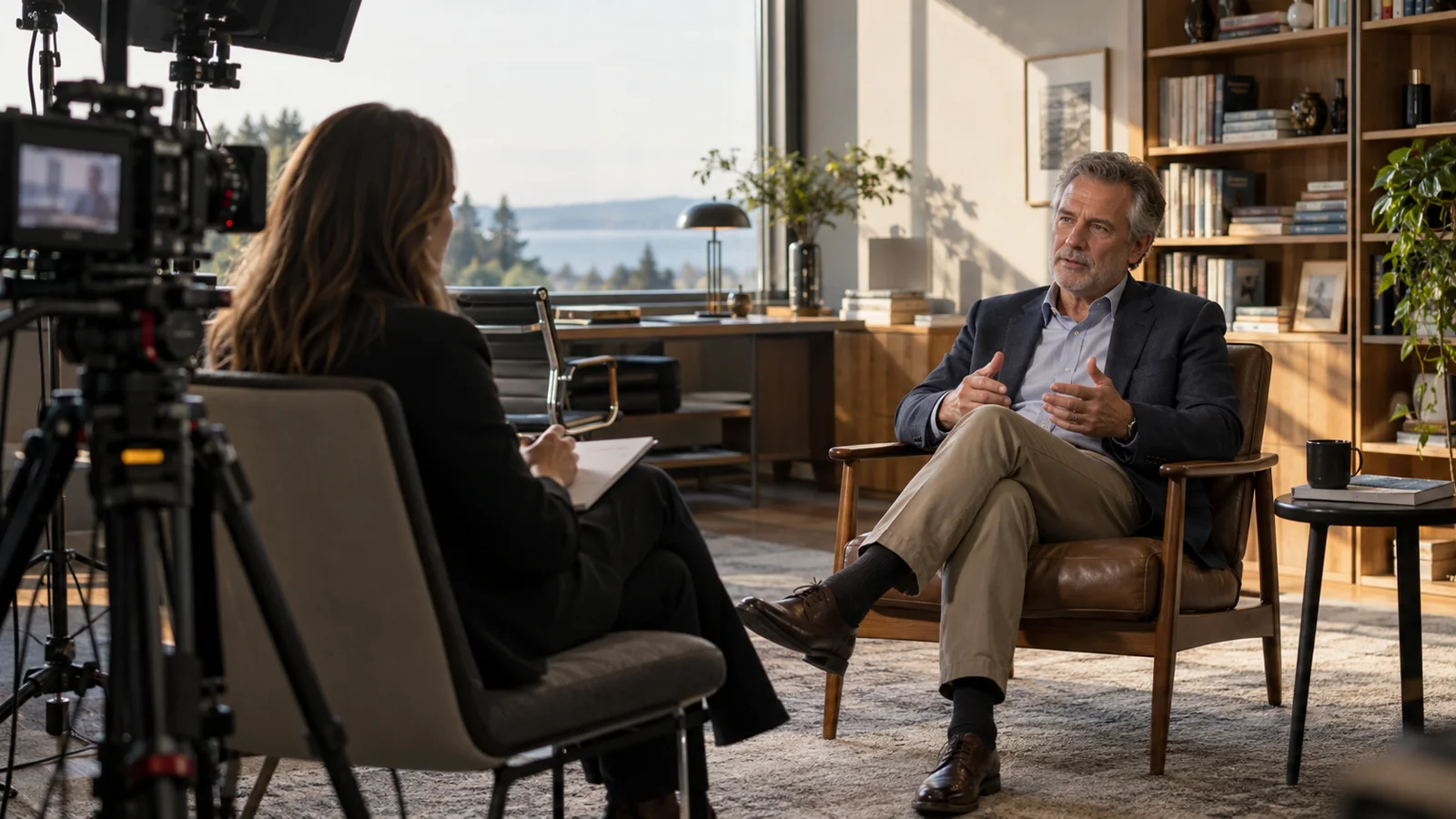
One carefully planned expert interview can support a main film and several useful shorter answers. The key is to plan the questions, supporting footage and finished versions before filming. A long recording alone is not automatically a content library.
Think of the library as a set of answers with distinct uses: an introduction on a service page, a process explanation in a follow-up conversation and a short social edit that leads to a fuller explanation. Each piece should make sense in the place where someone encounters it.
Map questions to the buying conversation
Ask the team what people need to understand at each stage. Before making contact, they may want to know who the business helps. After a first call, they may need to understand the process. Before deciding, they may want a clear example of how the work is approached.
Choose a few questions that can be answered accurately by the person being filmed. Group related questions so the interview feels like a conversation rather than a disconnected list. Prioritise the most useful answers in case filming time is limited or a topic takes longer than expected.
A hypothetical professional practice might plan four topics: who handles the first meeting, what information is useful beforehand, what happens after that meeting and how the client communicates with the team. That is a practical library outline without requiring the subject to promise outcomes or discuss private client matters.
Record complete answers, then shorter versions
An answer needs enough context to work outside the original conversation. Ask the speaker to name the subject naturally instead of beginning every answer with “yes” or “that.” Follow up when a reference would be unclear to someone watching only that excerpt.
First record the full explanation. Then ask for a shorter version that keeps the important meaning. This is usually more useful than trying to force every initial response into a strict duration. The producer can help identify where a concise summary is possible and where it would omit necessary context.
Do not remove a qualification simply to reach a target length. If the topic cannot be explained responsibly in a short clip, use the clip to introduce the question and direct viewers to the longer answer. Not every subject needs the same format.
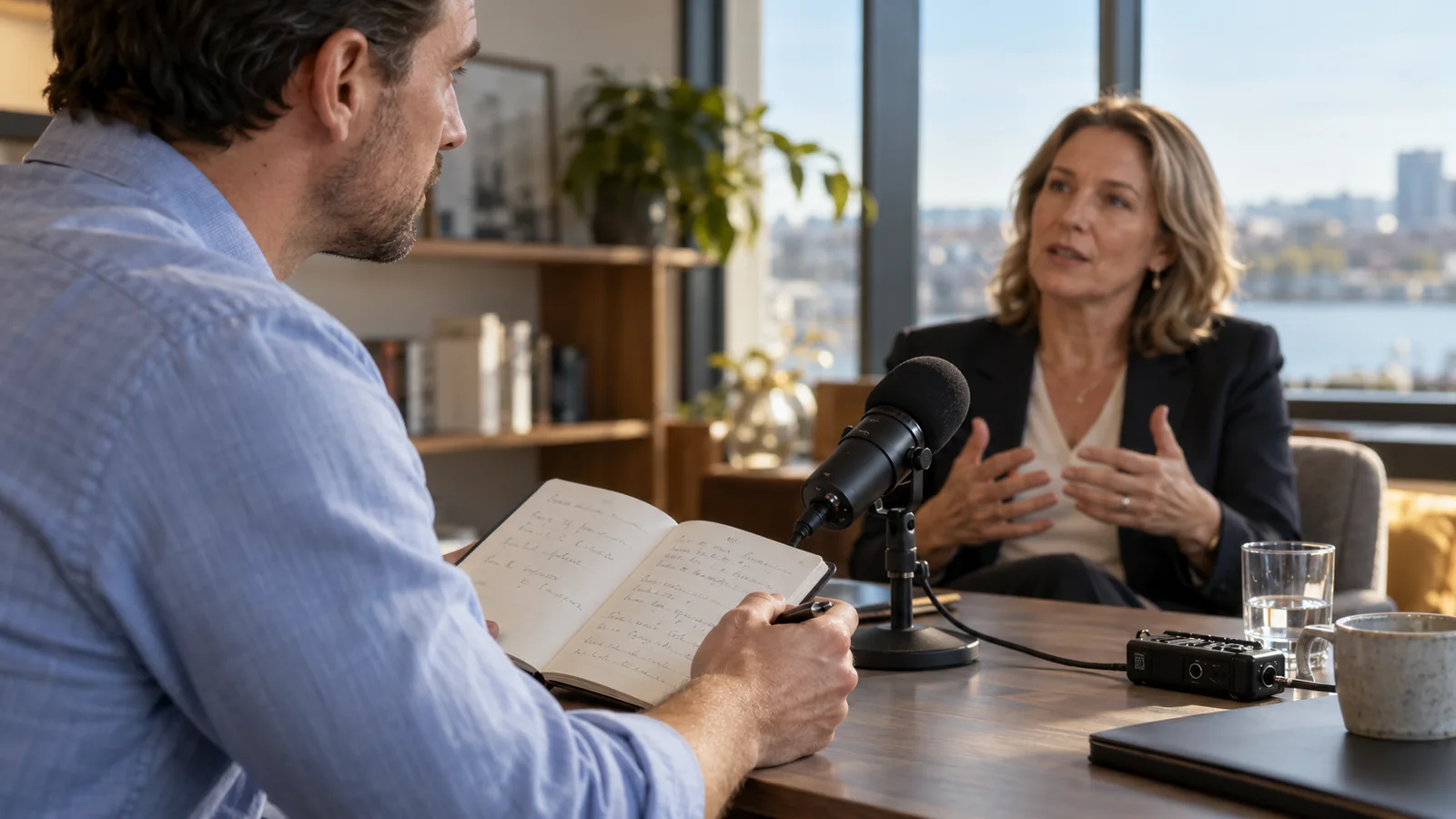
Capture pictures that explain the answers
Make a supporting-footage list alongside the questions. If the speaker describes a preparation step, plan a safe, accurate way to show that step. If they introduce a team, confirm who will be available and comfortable appearing. Supporting footage should belong to the story rather than merely fill a visual gap.
Consider continuity and framing. A short edit may need enough neutral footage to cover a transition without making an action appear to happen differently. If both horizontal and vertical versions are required, plan composition that protects the speaker, relevant objects and caption areas.
Agree access and permissions for every location, person and asset. Do not use private customer material as background decoration. When a process needs demonstration, use approved material and make clear what is being demonstrated rather than implying a real customer transaction occurred.
Agree a version list instead of an unlimited promise
Write the deliverables as specific items. For example, a main introduction, three question-led clips, one vertical adaptation and a set of agreed thumbnails. That is an illustrative scope, not a standard inclusion in every Stoking Fire package.
List the intended use beside each item. The website introduction may need a descriptive page and captions. A sales-follow-up clip may need a precise title that makes sense in an email. A social version may need a different opening and composition. Those differences affect filming and editing time.
Clarify what happens to raw footage, project files, revisions, translations and future versions. Rights and retention should be agreed with the studio rather than assumed. A well-defined library is easier to use and maintain because everyone knows what was actually commissioned.
Make the library easy for your team to find
Use descriptive names based on the audience’s question. “What happens after the first meeting?” is easier for a colleague to recognise than a sequence of final-version filenames. Store the approved master separately from working drafts so an outdated cut does not accidentally get published.
Maintain a simple index with the title, purpose, speaker, approval date, location of the approved file and where it is used. Add the owner who can confirm whether the content remains current. You do not need a complicated publishing platform to begin with a useful record.
If the film lives on a website, put the written answer near the video so the page is useful to readers as well as viewers. A link from the relevant service page is more helpful than leaving the film in an isolated archive with no context.

Review the library when the business changes
An approved film can become outdated. A team member leaves, a service changes, a process is revised or an offer no longer exists. Assign someone to review the affected pieces when those changes happen, rather than waiting for a viewer to notice.
Check the destinations too. A correct film can still lead to an old form or an irrelevant page. Keep the link, captions, thumbnail and written explanation aligned with the current version. If an answer cannot be updated with a responsible edit, plan a fresh recording.
Avoid publishing more clips simply because footage exists. A smaller library of complete, current answers can serve a team better than a large collection of fragments. Add a new film when it answers a useful question or replaces information that is no longer accurate.
Bring this outline to the shoot
- The audience and stage for each answer.
- A short list of questions with a clear priority order.
- The real person best placed to answer each question.
- Supporting footage, locations and approved materials.
- A specific list of versions, formats and thumbnails.
- One approval owner and a plan for future review.
Read how to plan a business video shoot, then explore the professional interview package. The goal is a set of useful answers your team can actually find, share and keep current—not simply a large number of files from one filming day.
A CLEARER FIRST CONVERSATION
Bring your idea.
We’ll talk production.
Discuss your video projectAI-assisted editorial prepared by EVKII for Stoking Fire Productions. Images are generated editorial illustrations of fictional people and settings; they are not client testimonials, project evidence or photographs of the SFP team. Examples described as hypothetical are planning examples. Scope, permissions and specialist review are agreed for each production.